[Music]
Let's take a look at how the new save your
Doc as template feature works. This will allow you
to save your own branded Foleon Doc's as templates to empower you and your team to stay on brand and
take less time to publish. To create your own doc
template click the three dots on any Foleon Doc
published or not and click save as doc template
give it a name and save it your saved Doc templates
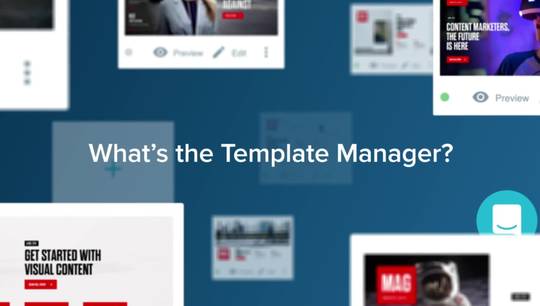
will now show up in two places the first is in the
template manager you now see a section called docs
here is where you can see your doc template saved
and can change their settings if you click on one
of your doc templates you can change the name
and the status public means that it's available
to all users in your team and they can start
a Foleon Doc from this template right away
if it's in a draft this means it's only visible
for users with an admin designer or publisher role
you will notice the pencil icon here as well this
means you can make edits to your doc template even
after it's been saved the second place you'll
see your doc template is when you create a new
Foleon Doc whether you start the stock from
the dashboard by selecting your template or
from within the project folder itself your branded
template will be an option for you and your team
here are a few tips for you think about saving
docs that you and your team will use frequently
such as documents that have multiple editions
throughout the year also it is important to
check responsiveness before saving if you forget
you can always edit the template but this will be
an important step to limit the changes necessary
from your team when the doc template is reused
and it is that easy you now can save your own docs
as a template good luck saving your Docs
[Music]